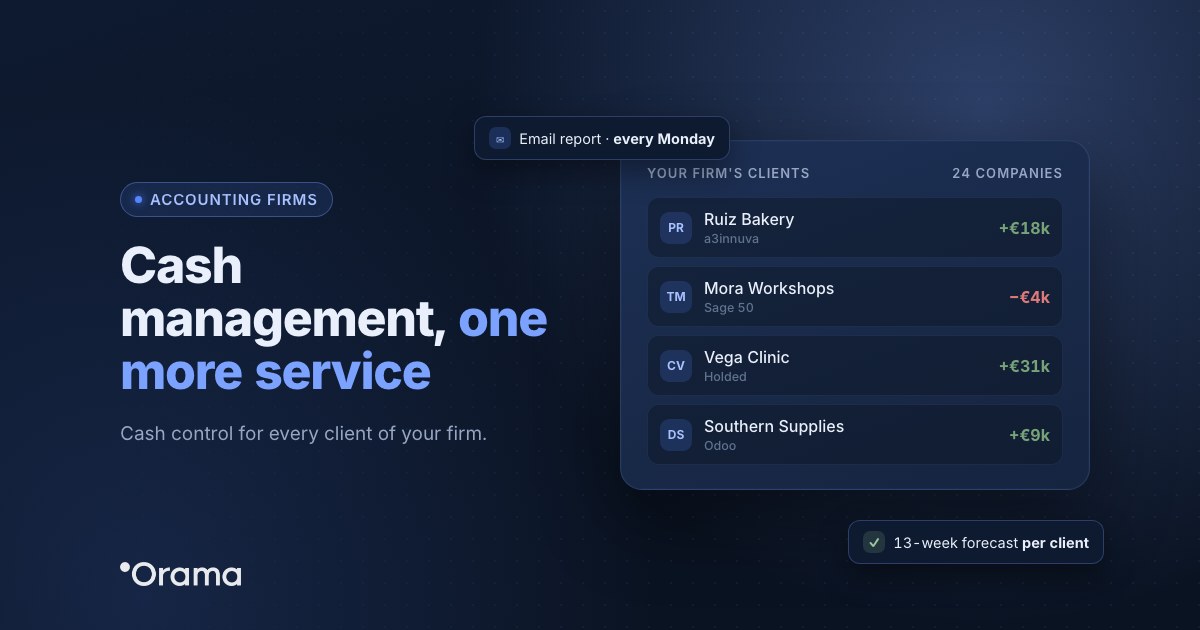
An accounting firm can offer cash management to its clients as one more service: each client has their banks connected, a cash flow forecast and a regular report, and the firm reviews everything from a single account. With Orama, each client is a company within the firm’s group, with the permissions you decide, and most of the reconciliation happens on its own.
If at your firm clients’ cash management comes down to asking for bank statements at month end and ticking off transactions, here is how to turn it into a recurring service: what the client needs, how the firm is organised, what to do with banks that can’t be connected, what report the client receives and a worked example.
Why cash management fits as an accounting firm service
The firm already has the client’s books, taxes and invoices. What clients ask more and more is not what happened last quarter, but whether they will make it to the end of the month, whether they can pay VAT without strain or whether they should renew the credit line. That answer comes from the cash flow forecast, and the firm is best placed to give it because it already knows the numbers.
| Firm’s work | Without a cash management tool | With Orama |
|---|---|---|
| Client’s bank data | Asking for statements every month | Read-only connection, updated up to 4 times a day |
| Reconciliation | Ticking off transaction by transaction | Automatic for 80–95% of transactions; the rest go to pending tasks |
| Several clients | One file per client | One company per client, switch with one click |
| Report to the client | Built by hand | Scheduled email reports or Excel export |
| Client access | Sending them files | A user with permissions on their company only |
How the firm is organised in Orama
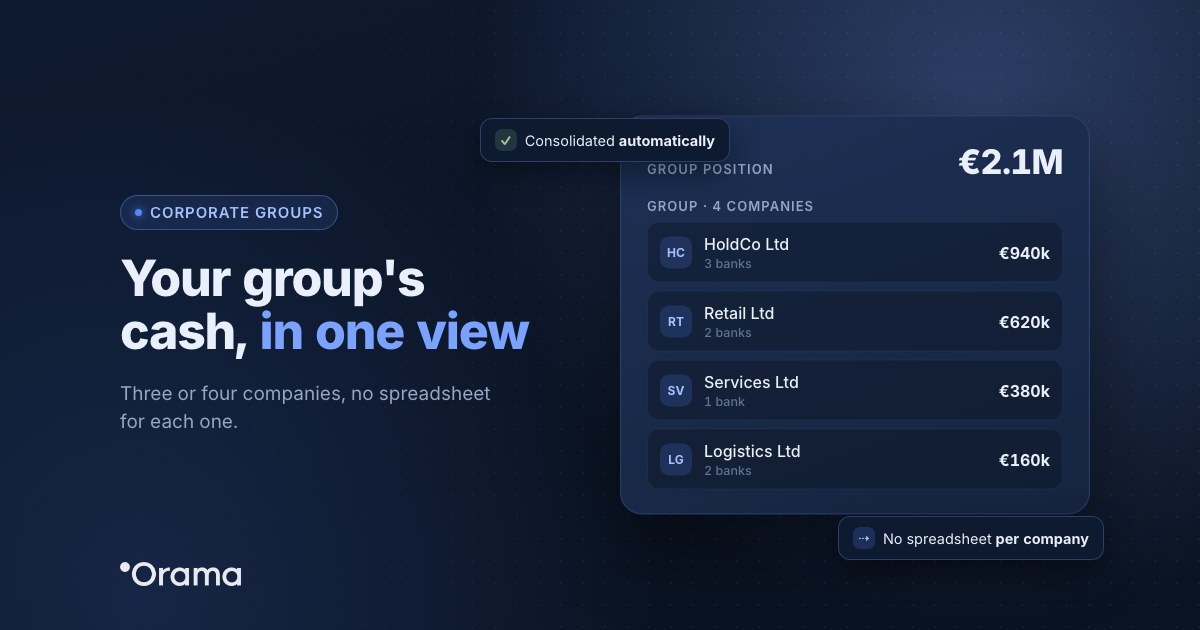
- One company per client. From Group of companies you add each client as a company in the firm’s group. You switch between them with one click and, if you need it, see the consolidated view.
- Permissions by company and module. Each user sees only the companies and modules you assign (banks, treasury, reconciliation, analysis…). The client can log in and see only their own data, or never log in at all.
- Connected banks. The client authorises the connection at their bank once (PSD2, read-only) and renews it when the bank asks, every 90 or 180 days. Orama connects to 100% of banks in Spain and 3,000+ across Europe and Latin America.
- The client’s or the firm’s ERP. Invoices arrive automatically from Sage Despachos, Sage 50, Sage 200, a3innuva, Holded, Odoo, Business Central or Oracle NetSuite, and become expected collections and payments.
And if a client doesn’t connect their bank: Norma 43 and Excel
Some clients don’t want to give access to their bank, some banks aren’t connected and some accounts are missing history. Many Spanish firms handle this by asking for the statement in Norma 43 (Cuaderno 43), the Spanish banks’ standard format. In Orama those transactions are uploaded in Excel: if online banking offers the statement in Norma 43 and in Excel, download the Excel file and import it into a manual account with three columns (date, description and amount). The details are in Orama Academy, in Spanish: Norma 43 and Importing bank transactions.
Imported transactions are assigned to their items with the same keyword rules as those that come from the bank, so the firm’s work is the same. Even so, it’s worth encouraging the client to connect their bank: with the connection there’s no file to ask for and the forecast updates itself up to 4 times a day.
What the client receives
- A regular email report, daily or weekly, with their cash position and forecast. They don’t need to log in to read it.
- Email alerts on balance, collections and missed forecasts, so they find out before the problem reaches the bank.
- A 13-week forecast and a 12, 18 or 24-month forecast, with scenarios for specific decisions: hiring, investing or what happens if a customer pays late.
- Excel export of transactions, the cash flow table or actual vs forecast, if they want to work with the data themselves.
How to start in 4 steps
- Pick 2 or 3 clients with cash pressure or several banks: they are the ones who value the service most.
- Create the firm’s group and one company per client, and give each team member the permissions they need.
- Ask each client to connect their banks and connect their ERP. For banks without a connection, upload the statement in Excel.
- Schedule the email report and set a monthly forecast review with the client.
The guide Orama for accounting firms (in Spanish) explains each step in the app.
Example: a firm with 12 clients
Anonymised example. Ribera Advisors, in Valladolid, keeps the books for 40 SMEs and starts with 12 clients with turnover between €0.8M and €6M. Ten connect their banks on day one; two prefer not to and send the statement in Excel every week, which the firm uploads in five minutes.
In the first month, the forecast for one of them, a €3M distributor, shows that in week 7 the balance will drop to −€18,000 because the quarterly VAT payment coincides with two collections that usually arrive late. The adviser sees it six weeks ahead, suggests chasing those collections early and asking for a temporary increase in the credit line, and the client reaches that week with a positive balance. That conversation is what turns cash management into a service clients want to pay for.
If you want to work with Orama on an ongoing basis for your clients, see the partner programme for accounting firms and the page Orama for accounting firms.
You can try it with your own company or a client free for 7 days, no card required, or book a 30-minute demo. Plans are at orama.ai/en/plans.
Frequently asked questions
Do I need an Orama account for each client?
No. The firm works from a single account: each client is a company within the firm’s group and you switch between them with one click.
Can a client see other clients’ data?
No. Permissions are set by company and module, so each client user sees only their company and only the sections you assign.
Can I upload a Norma 43 file directly?
To upload transactions manually, Orama uses Excel (.xlsx). If online banking offers the statement in Norma 43 and in Excel, download the Excel file. Ideally, connect the bank: then no file is needed.
What happens when the client’s bank connection expires?
The PSD2 authorisation must be renewed every 90 or 180 days, depending on the bank. Orama lets you know and the client renews it in their online banking in a couple of minutes.
Does the client have to log in to Orama?
No. They can receive the email report as often as they like and discuss the forecast with their adviser.