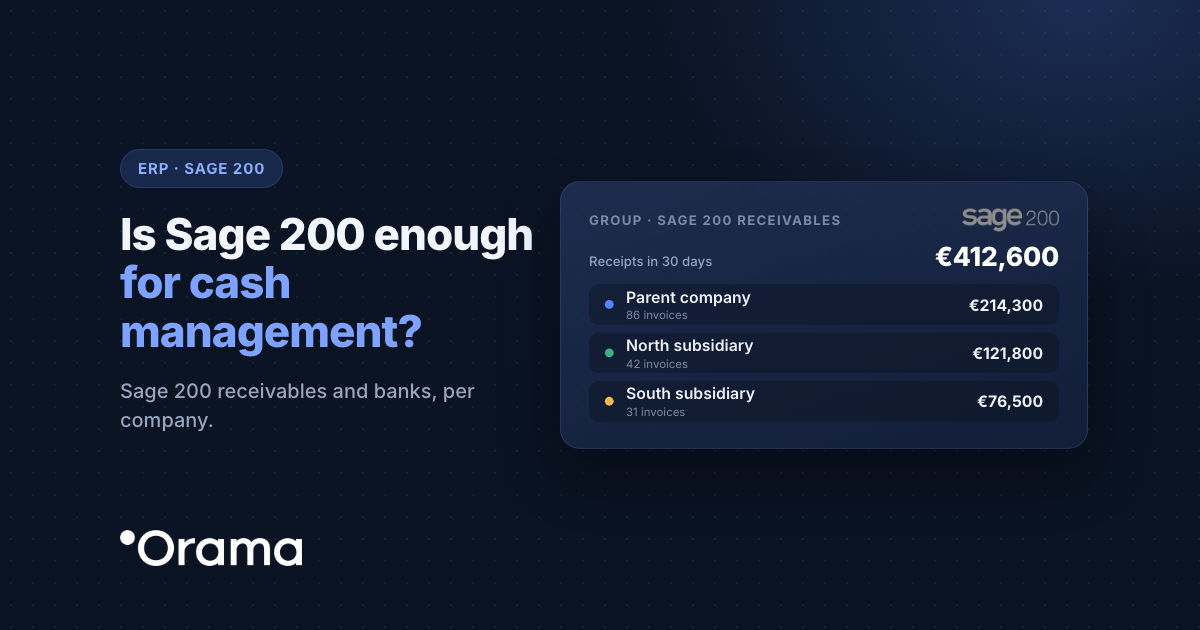
Sage 200 does a good job as an ERP, but it isn’t built to tell you how much cash your group will have in six weeks’ time across all its companies and banks. That’s where the Orama connector comes in: it sends your Sage 200 invoices and remittances to Orama, which matches them against your bank transactions and builds the cash flow forecast for each company and for the consolidated group, without relying on Excel.
If your company or group runs on Sage 200 and tracks cash in spreadsheets, here’s what Sage 200 covers well, which part of cash management it leaves out, what data Orama receives, what you need to connect it and how it works for an example group.
What Sage 200 does well and what it doesn’t cover on cash
Sage 200 is Sage’s ERP for mid-sized companies: accounting, finance, purchasing, sales and warehouse, usually on the company’s own server and with several companies. Its strength is management; the group’s cash over the coming months still comes from exports and spreadsheets.
| Topic | What Sage 200 does well | What cash management also needs |
|---|---|---|
| Companies | Keeps each company’s books separately. | Add up every company’s cash in a consolidated view and drill into the detail. |
| Due dates | Records receivables and payables. | Each due date becomes an expected collection or payment, with no portfolio exports. |
| Batches | Generates direct debit and payment batches. | See each batch broken down into its transactions. |
| Banks | Manages banks within accounting. | Balances of every bank in every company, up to 4 times a day. |
| Anticipation | Reports what’s outstanding. | Spot group cash pressure weeks ahead, with scenarios. |
What Orama receives from Sage 200 and how it arrives
- Invoices from customers and suppliers with a due date: each outstanding invoice becomes an expected receipt or payment with its amount and date.
- Remittances of collections and payments, which are added to the forecast and broken down into their transactions.
Sage 200 doesn’t connect through an API. Invoices and remittances are sent to Orama over HTTPS by the Orama connector, which is installed on the same computer or server as Sage 200. Orama never accesses your server or your database: the connector is what sends the data.
Orama covers the banking side directly: it reads each company’s accounts via PSD2, read-only, and reconciles every transaction with its Sage invoice; typically 80–95% reconcile on their own.
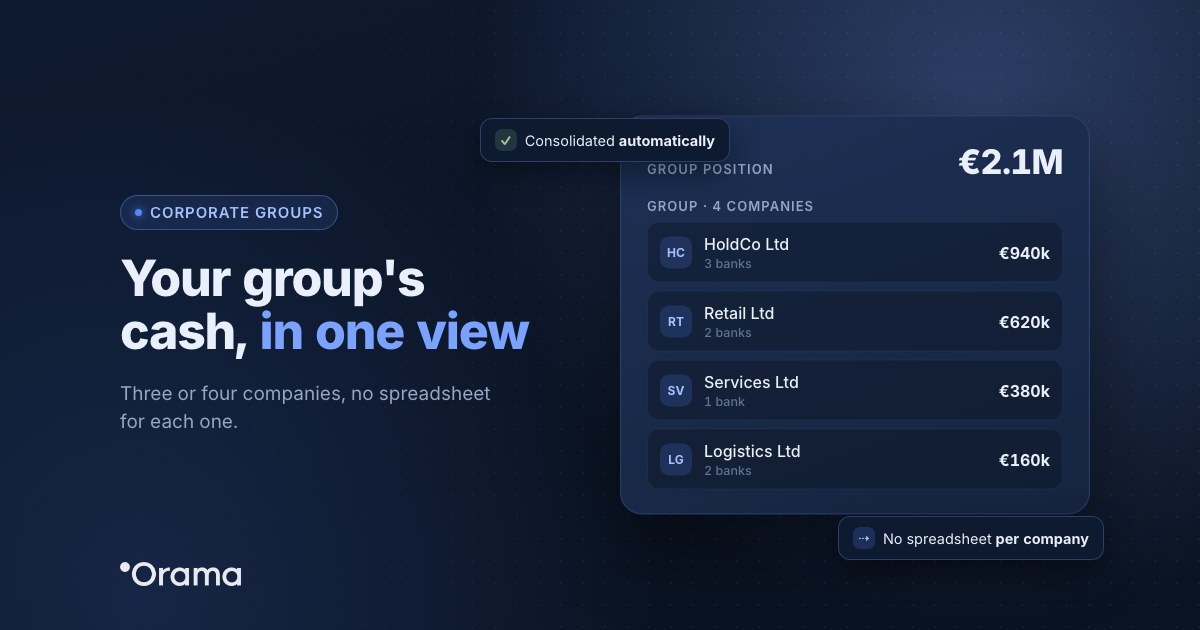
If you have several companies, each one goes into its own company in Orama and Orama consolidates the group’s cash. Consolidation is a general Orama feature, whatever ERP each company uses.
Requirements
- Sage 200 installed on your computer or server.
- Install the Orama connector on that same computer or server, with help from the Orama support team.
- If you have several companies, know which Sage 200 company corresponds to each company in Orama.
How to connect Sage 200 to Orama
- Contact Orama support. The team walks you through installing and setting up the connector, step by step.
- Install the connector on the computer or server where your Sage 200 runs.
- Check the invoices. Once the connector starts sending data, you’ll see the invoices in Lists › Invoices for each company and their forecasts in the cash flow table.
Connector installation for Sage 200 is explained in Orama Academy (in Spanish): Connect Sage 200 and Sage Despachos to Orama (in Spanish).
Common issues with Sage 200 and how to fix them
| What happens | How to fix it |
|---|---|
| No invoices from one company | Check the connector is on the same server as Sage 200 and that the company is linked to its Orama company. |
| Older invoices are missing | The first load brings recent ones; history is uploaded from Excel. |
| The connector isn’t installed yet | Meanwhile, you can upload each company’s invoices from Excel. |
| An invoice lands in the wrong line item | Reassign it from the invoice list and adjust the line item’s rule, for example with the tax ID. |
Example: a food group with three companies on Sage 200
Grupo Cantábrico Alimentación (anonymised name) is a group based in Santander with annual revenue of €14M. It has three companies on Sage 200 (the factory, the distribution company and the company that owns the warehouses), six banks and two credit facilities of €400,000 each. Every Monday the CFO put together one spreadsheet per company and another consolidated one, copying balances bank by bank and exporting due dates from Sage 200.
With Orama, each company goes into its own company in Orama, with its banks authorised and the connector installed on the Sage 200 server. Outstanding invoices flow in automatically as expected receipts and payments, remittances are broken down and the CFO opens a single view with the consolidated group and the detail of each company.
In April, the consolidated forecast shows that in the first week of July the summer extra month’s salary that Spanish employers pay across the three companies (€310,000), the second-quarter VAT settlement (€180,000) and the factory’s annual packaging purchase (€250,000) all fall due together. The group just about makes it, but the factory would drop to −€120,000. With ten weeks’ notice, the CFO negotiates an early renewal of the factory’s credit facility with the bank and brings the packaging purchase forward to June, when the distribution company collects its spring campaign.
More on ERPs and cash management: all Orama integrations, Is your ERP falling short on cash management? and the Orama Academy article Connect Sage 200 and Sage Despachos to Orama (in Spanish).
If your group keeps its books in Sage 200, see consolidated cash without exporting anything: 7-day free trial with no card, or a 30-minute demo.
Start the free trial · Book the demo
Frequently asked questions
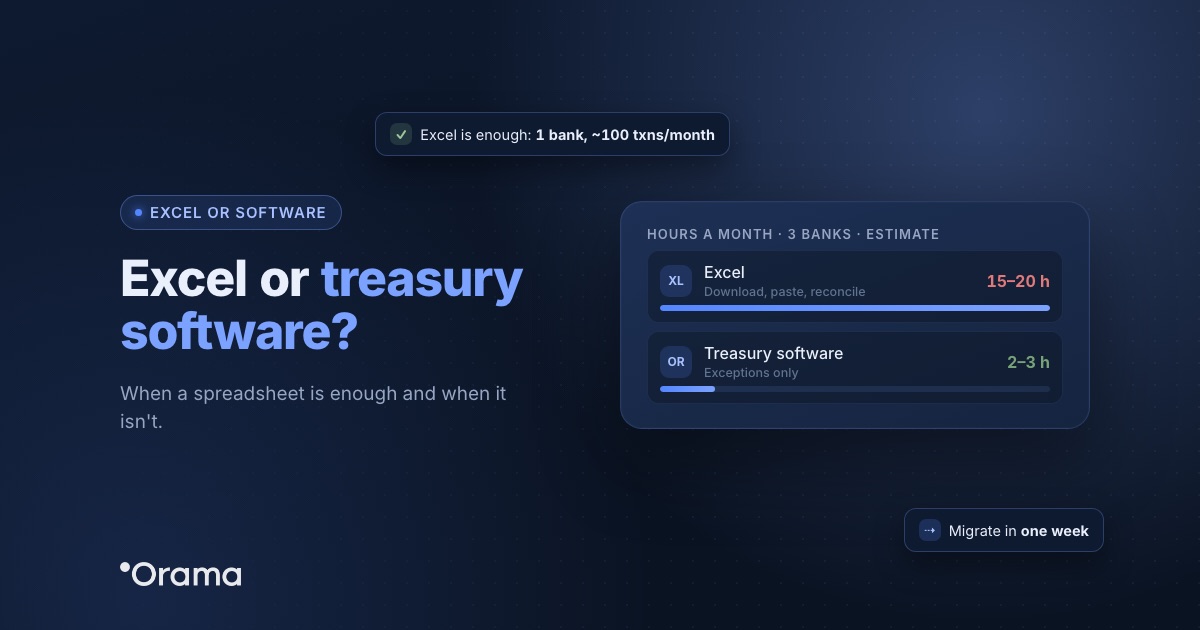
Keep reading: you may also want to see what treasury software for an SME should include, when a spreadsheet is enough and when you need treasury software and how to see the cash of a group with several companies.