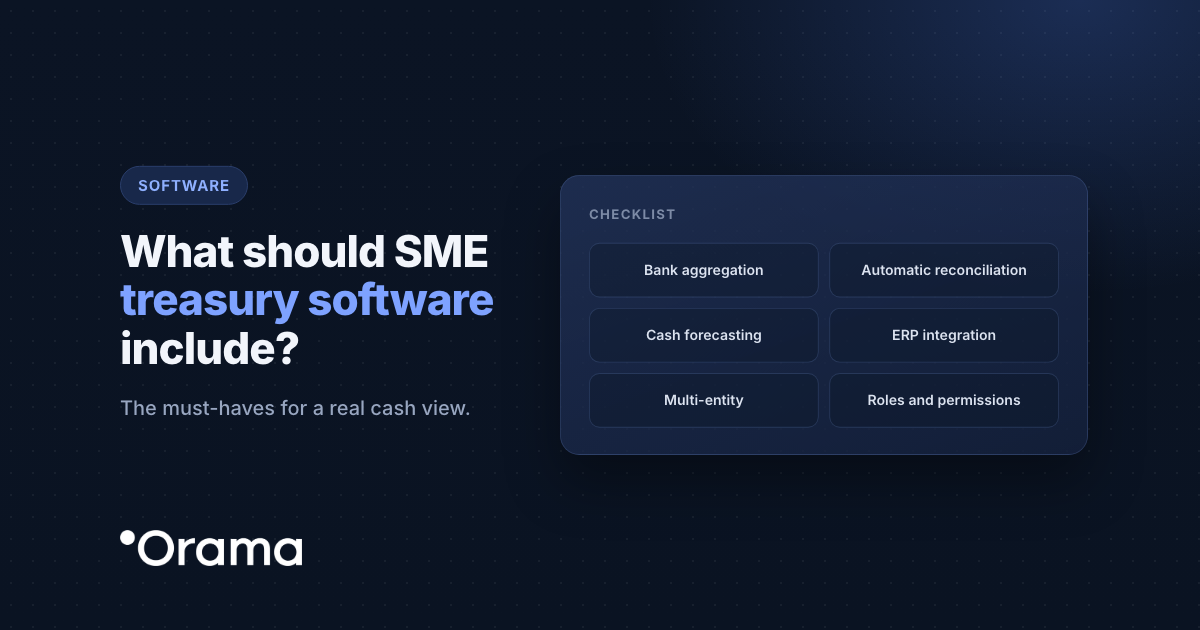
Treasury software for an SME has to do three things without anyone typing: bring in the transactions from all your banks several times a day, assign every receipt and payment to what it is (customers, payroll, taxes, suppliers) and tell you how much cash you will have in four, eight and thirteen weeks. Everything else (scenarios, reports, multi-company, permissions) rests on those three things: if a tool fails at any of them, it is no use to you.
What is treasury management software?
A SaaS is a software as a service and in this case focused on treasury management. It is a support for the finance department that allows you to save time by automating processes and shows you the most relevant data of your treasury, with your banks updated up to 4 times a day (every 6 hours). It also allows the finance department, by automating these repetitive processes, to focus on other areas of the company’s finances.
Beyond controlling the company’s liquidity, it also helps you monitor financial transactions, financing and tax obligations, among others.
The 8 criteria, in order of importance
1. Automatic bank connection
If someone has to download statements and upload them, you are back to Excel with a different screen. Look for a read-only PSD2 connection that covers all your banks, including accounts abroad, and updates several times a day.
2. Automatic reconciliation
This is where the time goes every week. The software should recognise most transactions on its own and match them with the invoices in your ERP. Whatever it does not recognise should land in a to-do inbox.
3. Short- and long-term forecasting
You need to see the next 13 weeks to operate (payments, collections, use of your credit line) and 12 months or more to plan (hiring, investment, financing). The forecast should build itself from invoices, rules and history, and be compared with actuals.
4. Scenarios
Decisions are made on scenarios, not on a single number. Ask to be able to simulate “what if I hire two people?”, “what if sales drop 10%?” or “what if I only collect 75% of what I expect?” without spoiling your main forecast.
5. ERP integration
Issued and received invoices are the best forecast of collections and payments. Check that it connects to the ERP you already use, and how often it syncs.
6. Multi-company and permissions
If you have several companies, you need to see each one’s cash and the consolidated group position. Even with just one, you will want to give each person only what they need: management in view-only mode, admin staff allowed to reconcile, and your accountant with their own access.
7. Financial products
Credit lines, loans, cards, confirming (reverse factoring) and factoring change your real cash. If the software does not understand them, you count a payment sent to confirming twice or you cannot see how much is left on your credit line.
8. A trial with your data and clear plans
A good provider lets you try it with your own banks before paying and explains what each plan includes. If your case needs something tailored (several companies, an unusual ERP), ask for a clear breakdown of what is and isn’t included. Ask too about minimum terms and what it costs to add another company or user.
What to ask in the demo
Take this table to the demo. If an answer is vague, ask them to show you on screen.
| Criterion | What to ask in the demo | Red flag |
|---|---|---|
| Bank connection | Are all my banks covered? Is the connection PSD2 and read-only? How many times a day does it update? | “You upload your bank by file” |
| Reconciliation | How does it recognise a transaction? What happens to the ones it doesn’t? Does it match ERP invoices? | Everything depends on reviewing transactions one by one |
| Forecasting | Where do forecasts come from? How far ahead does it go? How do I see actual vs forecast? | Every forecast has to be typed in |
| Scenarios | Can I simulate a new hire or a drop in sales without touching my forecast? | Scenarios that only exist in an exported spreadsheet |
| ERP | Does it connect to mine? How often does it sync? Can it change anything in my ERP? | Integrations still “in development” or that your own team would have to build |
| Multi-company and permissions | Does it consolidate several companies? Can I give view-only access to management or my accountant? | A single user who sees everything |
| Financial products | Does it handle credit lines, loans, cards, confirming and factoring within the forecast? | Confirming counted twice |
| Trial and plans | Can I try it free with my banks? What does each plan include? Is there a minimum term? | No way to try it with your data or to know what each plan includes |
An example: a distributor with €4M in revenue
Take a fictitious company: Delta Supplies, an electrical equipment distributor with €4M in revenue, 22 employees, three banks, a €200,000 credit line and invoicing in an ERP. Today they run cash in a spreadsheet updated every Monday: downloading statements, pasting transactions, ticking off collections and rebuilding the forecast takes them about five hours a week.
Hours are not the only problem. In March, the quarterly VAT payment coincided with two large customers paying three weeks late, and the credit line hit its limit without anyone seeing it coming.
For Delta Supplies, the criteria weigh like this:
- Must-haves: connection of the three banks and the credit line, reconciliation with ERP invoices and a 13-week forecast that updates itself.
- Very important: scenarios (what if the two large customers pay late again?) and seeing cash with and without the credit line.
- Useful later: permissions so the tax adviser can look without touching anything, and a 12-month forecast to decide whether to open a second warehouse.
- Not needed today: multi-company, because they have a single company.
With that list, the demo becomes a check: does it solve my must-haves with my own banks? The free trial lets you confirm it before paying.
When is a spreadsheet enough?
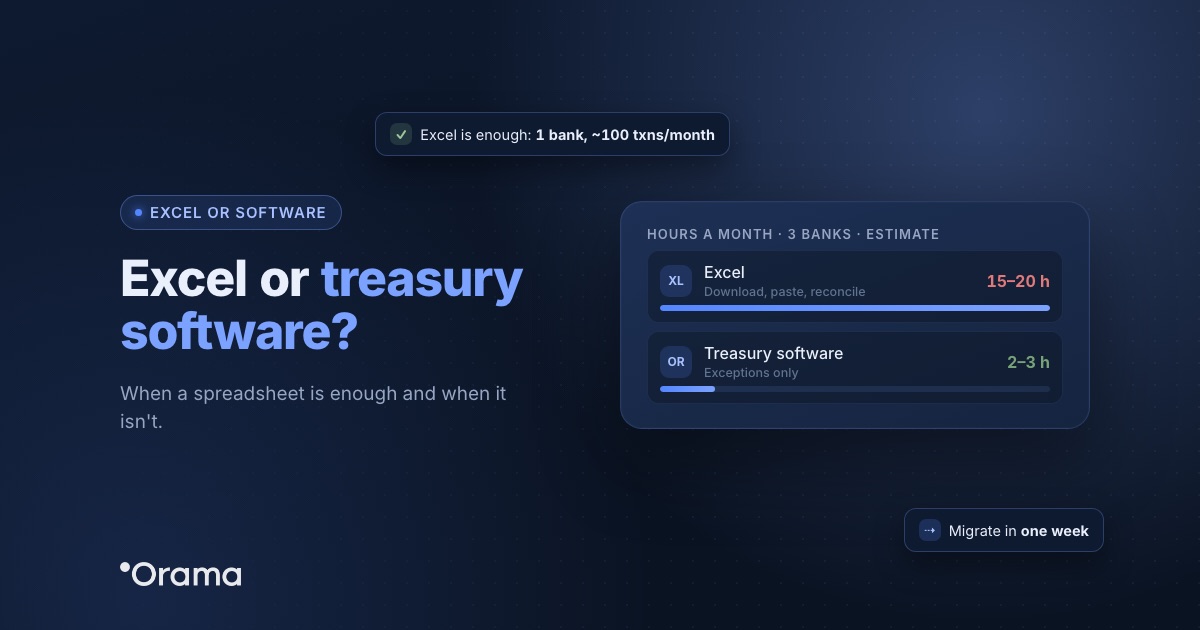
With a single bank, fewer than about 100 transactions a month and one person updating the sheet, a well-built spreadsheet works. If that is you, start with our 13-week cash flow template. From two banks upwards, or when the forecast depends on outstanding customer payments, accumulated errors and maintenance hours usually outweigh what software costs.
How much does treasury software for SMEs cost?
It depends on the features, the number of companies and the number of users. Products designed for large corporations are usually more than an SME needs. Always ask for published pricing and a free trial. For Orama, see the plans at orama.ai/planes.
How Orama does it
Orama is Spanish treasury software for SMEs and groups of companies. This is how it meets the eight criteria:
- Banks: it connects to 100% of banks in Spain and 3,000+ across Europe and Latin America, via read-only PSD2, through bank aggregators regulated by the Bank of Spain and certified ISO/IEC 27001. Banks update up to 4 times a day.
- Reconciliation: each transaction is assigned to its line item by keywords, and each ERP invoice by tax ID, legal name or keywords. That way 80–95% of transactions are reconciled automatically; whatever it does not recognise goes to the task inbox. See reconciliation.
- Forecasting: built from estimation rules, ERP invoices and AI suggestions based on your history, over 12, 18 or 24 months (or whatever horizon you need), with the cash table by days, weeks or months and actual vs forecast. See cash flow forecasting.
- Scenarios: amount and frequency assumptions on top of your forecast, with and without your credit lines, without changing the cash table.
- ERPs: Odoo, Holded, Sage 50, Sage 200, Sage Despachos, a3innuva, Business Central and Oracle NetSuite.
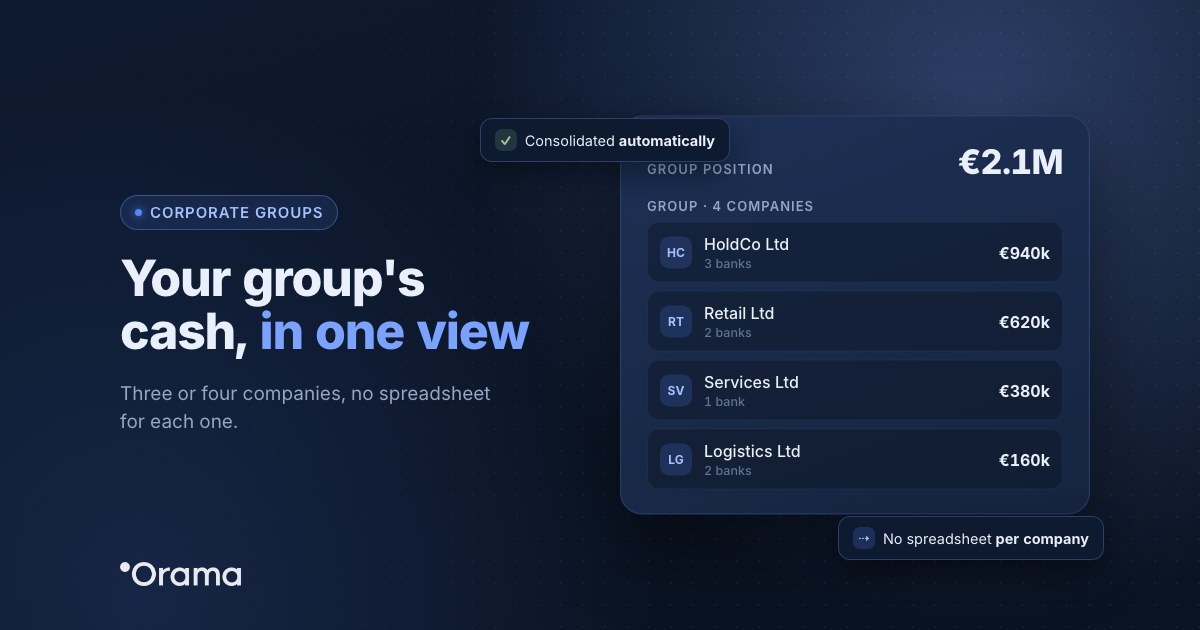
- Multi-company and permissions: consolidated group cash and view and edit permissions by section and by company, also for your accountant.
- Financial products: credit lines, loans, cards, confirming and factoring within the forecast.
- Trial: 7 days free, no card required.
Step by step in Orama Academy (in Spanish): How Orama reconciles, Automatic forecasting, Daily cash and scenarios and Invite your team.
Want to check all eight criteria with your own banks? Start the 7-day free trial, no card required, or book a 30-minute demo and bring the question table.
Keep reading: you may also want to see when a spreadsheet is enough and when you need treasury software, what cash flow is and how to calculate it, what Orama adds to your ERP for cash management and how an accounting firm can offer cash management to its clients.
Frequently asked questions
Do I need an ERP to use treasury software?
No. With your banks connected you already have your cash position and a forecast based on your history. The ERP adds invoices, which make the forecast of collections and payments more accurate.
What is the difference between treasury software and accounting software?
Accounting records what has already happened and keeps you compliant with the tax authorities. Treasury looks at the money: how much you have in the bank today and how much you will have over the coming weeks and months.
How long does it take to set up?
Connecting your banks takes minutes. Fine-tuning the line items and the rules that recognise your transactions takes some adjustments over the first few weeks.
Is it safe to connect my bank?
Yes, if the connection is made via PSD2 through regulated aggregators with read-only access: the software sees balances and transactions, but cannot move money or make payments.
Can my accountant use it?
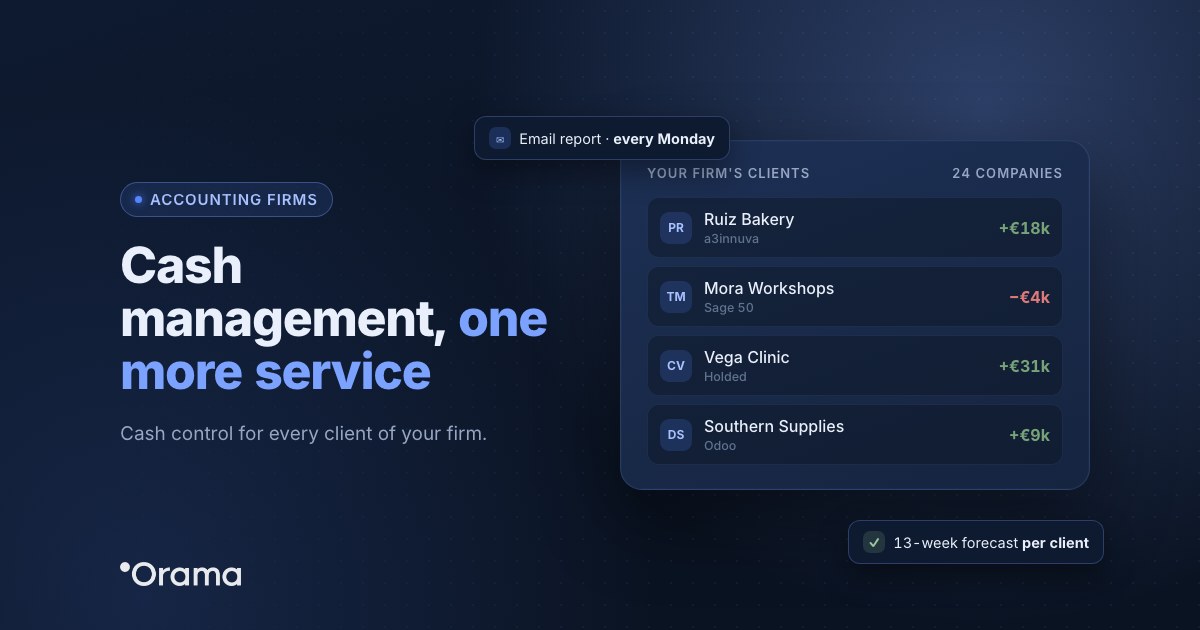
Yes. The usual approach is to invite your accounting firm as another user, with the permissions you choose (view-only, for example), or to email them a regular cash summary.