
Excel is enough to manage your cash flow as long as you have one bank, around 100 transactions a month and a single company: you can reconcile it by hand in one or two hours a week without losing track. Once you add banks, companies, credit lines or payment-gateway payouts, the spreadsheet starts costing more hours than it saves and arrives late, and that is when treasury software that brings in transactions and reconciles them for you pays off.
This guide explains when to stay with the spreadsheet, when to make the switch, how much time each option costs and how to migrate in one week without losing what you already have.
When Excel is enough
A spreadsheet is still a good tool if almost all of these conditions apply:
- One bank (or two with very few transactions).
- Around 100 transactions a month or fewer, easy to recognise.
- A single company, with no group or consolidation.
- Few recurring receipts and payments: payroll, rent, a handful of suppliers and customers.
- One person maintains the file and doesn’t need to share it.
- No credit lines, reverse factoring or factoring to keep an eye on.
If that’s you, start with a good template: our 13-week cash flow forecast template in Excel is free and we email it to you.
When the spreadsheet falls short
The signs usually come together:
- You download statements from several banks every week and paste them by hand.
- The forecast is always one or two weeks behind.
- Nobody knows which version of the file is the right one.
- You find out about a cash crunch when it’s already here.
- You have several companies and consolidating takes an afternoon.
- Stripe, PayPal, Redsys or Adyen payouts arrive bundled and you don’t know which sales they include.
Excel vs treasury software: 12 criteria
| Criterion | Excel | Treasury software |
|---|---|---|
| Bank transactions | Download and paste statements by hand | Arrive automatically from connected banks |
| Update frequency | Whenever someone updates the file | Several times a day |
| Reconciliation | Manual, transaction by transaction | Automatic with rules; you only review exceptions |
| Forecast | Formulas you have to maintain | Recalculated with every transaction and invoice |
| ERP invoices | Export and import | Integrated: each due date becomes an expected receipt or payment |
| Several companies | One file per company and manual consolidation | View per company and consolidated group view |
| Credit lines, reverse factoring and factoring | Separate sheets, easy to forget | Limits and availability at a glance |
| Scenarios | Copies of the file | Scenarios on the same forecast |
| Errors | Broken formulas or rows not copied | Less manual handling |
| Teamwork | Versions sent by email | Users with permissions on the same data |
| Alerts | None | Email alerts on balances and receipts |
| Cost | You already have the licence; the cost is in hours | A monthly subscription that saves hours |
How much time each option costs
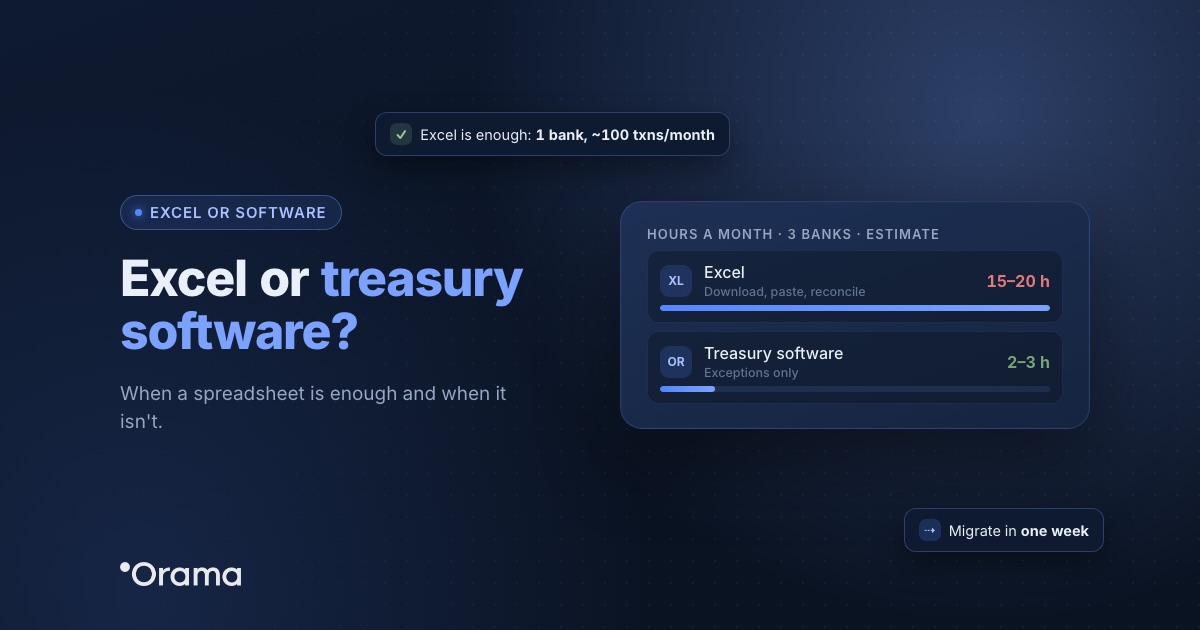
This is an estimate, not a measured figure. Assumptions: 3 banks, 400 transactions a month, a weekly forecast and about 2 minutes per transaction to download, classify and reconcile it in the spreadsheet.
| Monthly task | With Excel | With treasury software |
|---|---|---|
| Download and paste statements | 2–3 hours | 0 (automatic) |
| Classify and reconcile transactions | 10–13 hours | 1–2 hours (exceptions only) |
| Update the forecast | 3–4 hours | Under 1 hour (review) |
| Approximate total | 15–20 hours | 2–3 hours |
With one bank and 100 transactions, the Excel total drops to 4–5 hours a month and the difference no longer justifies switching. That’s why the criterion isn’t company size but the volume of transactions, banks and companies.
How to migrate from Excel in one week
- Day 1 · Banks. Connect your accounts. The connection is read-only (PSD2) and you authorise it with your bank.
- Day 2 · Line items. Move the categories in your spreadsheet (customers, suppliers, payroll, taxes…) into line items and categories.
- Day 3 · Reconciliation rules. Create rules with the keywords you already use to recognise each transaction.
- Day 4 · ERP and forecasts. Connect your invoicing software or load the expected receipts and payments you had in the spreadsheet.
- Day 5 · Compare. Review the forecast side by side with your Excel file and adjust anything that doesn’t match.
- Days 6 and 7 · Team and reports. Give access to whoever needs it and schedule a weekly email report. From then on, the spreadsheet becomes an archive.
What Orama adds if you make the switch
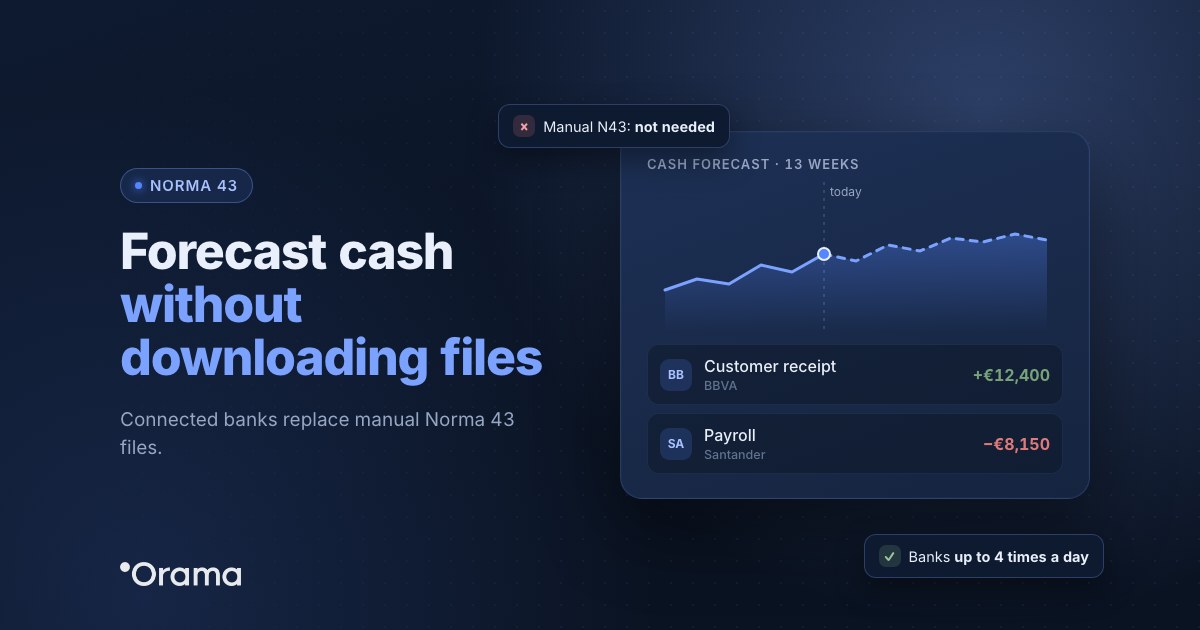
- Connected banks: 100% of banks in Spain and 3,000+ across Europe and Latin America, with balances and transactions updated up to 4 times a day.
- Automatic reconciliation of 90–99% of transactions with your rules (some customers reach 100%).
- Cash flow forecasts at 12, 18 or 24 months, with a 13-week view and scenarios for specific decisions.
- Groups of companies: each company separately and the group consolidated in the currency you choose.
- Integration with your ERP (Odoo, Holded, Sage, a3innuva, Business Central, NetSuite and more) and with payment gateways.
Anonymised example: a distributor with 3 banks
A 25-person distributor kept its cash flow in a spreadsheet with three tabs, one per bank, and around 450 transactions a month. The finance administrator spent every Monday morning pasting statements and next month’s forecast came out on Wednesday. After connecting the banks and creating the rules, automatic reconciliation covered most transactions and Monday was left for reviewing exceptions and deciding payments. The spreadsheet was kept as a history file.
Frequently asked questions
Keep reading: you may also want to see what treasury software for an SME should include, what cash flow is and how to calculate it and how to see the cash of a group with several companies.
Can I keep using Excel if I have only one bank?+
How long does it take to move from Excel to treasury software?+
Do I lose my Excel history?+
Is it safe to connect the banks?+
Can I export the data to Excel?+
Can I try it before deciding?+
Want to see your cash flow without the spreadsheet? Try Orama free for 7 days, no card required, or book a 30-minute demo.