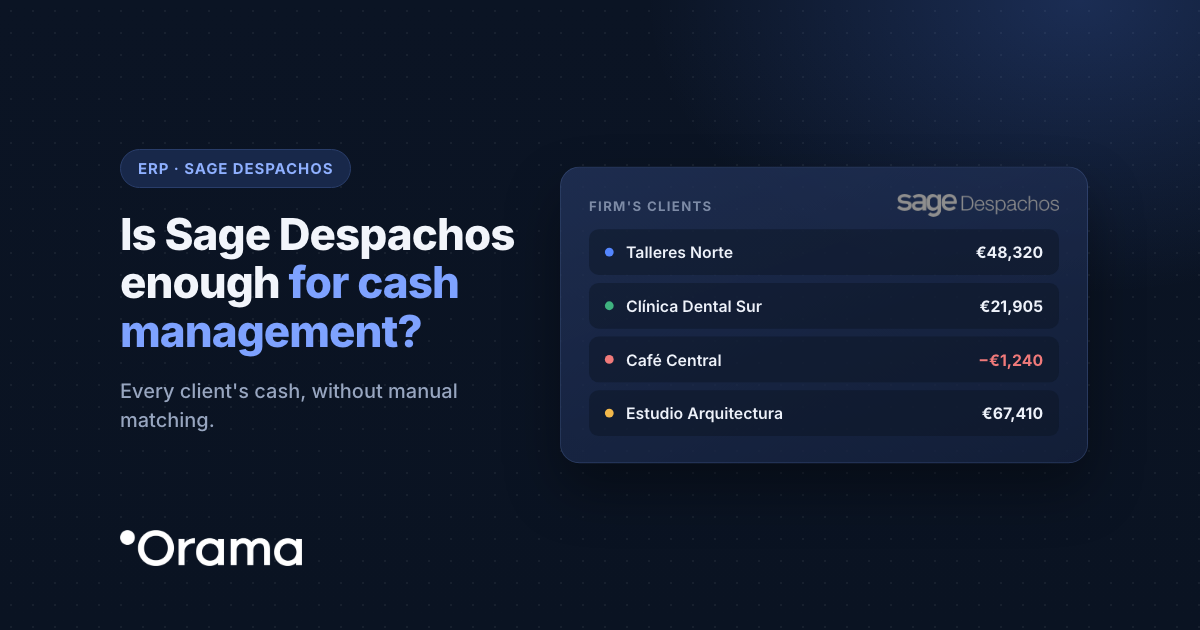
Sage Despachos does a good job of handling your clients’ accounting, taxes and payroll, but it isn’t built to tell you how much cash each of them will have in six weeks’ time. That’s where the Orama connector comes in: it sends Sage Despachos invoices and remittances to Orama, which builds each client’s cash flow forecast in its own company and lets you see them all together, without asking for bank statements or building a spreadsheet per client.
If your accounting firm works with Sage Despachos and your clients’ cash is handled in spreadsheets (or not handled at all), here’s what Sage Despachos covers well, which part of cash management it leaves out, what data Orama receives, what you need to connect it and how it works for an example firm.
What Sage Despachos does well and what it doesn’t cover on cash
Sage Despachos is the tool many Spanish accounting firms use to handle their clients’ bookkeeping, taxes and payroll. It keeps each client company separate; what it doesn’t give is each client’s forward-looking cash, which is exactly what clients ask their accountant for.
| Topic | What Sage Despachos does well | What cash management also needs |
|---|---|---|
| Client portfolio | Keeps each client company’s books separate. | See every client’s cash in one dashboard and open each one. |
| Invoices | Records each client’s issued and received invoices. | Turn them into the client’s expected collections and payments, without redoing anything. |
| Statements | Books the statements the client provides. | Read the client’s banks directly, without asking for statements. |
| Calendar | Works by quarters and tax deadlines. | Forecast each client’s cash at 12, 18 or 24 months. |
| Service | Delivers closings and tax returns. | Offer cash management as a value-added service and share it with each client. |
What Orama receives from Sage Despachos and how it arrives
- Invoices issued and received with a due date: each outstanding invoice becomes an expected receipt or payment with its amount and date.
- Remittances of collections and payments, which are added to the forecast and broken down into their transactions.
From the ERP: Sage Despachos doesn’t connect through an API. Invoices and remittances are sent to Orama over HTTPS by the Orama connector, which is installed on the same computer or server as Sage Despachos. Orama never accesses your server or your database: the connector is what sends the data.
From the banks: this is a separate connection. Each client’s banks connect via PSD2, read-only, and Orama reconciles their transactions with the invoices coming from Sage Despachos; 80–95% close on their own and the rest stay in Tasks.
One Orama company per client
With Sage Despachos, each of the firm’s client companies is connected to its own company in Orama. That way each client’s cash is kept separate, and the firm sees them all together, individually or consolidated. From there you can:
- Share each client’s cash position with them, with View or Edit permissions.
- Send them an email report with their cash position.
- Plan together with forecasts and scenarios, with several of the firm’s users working at the same time.
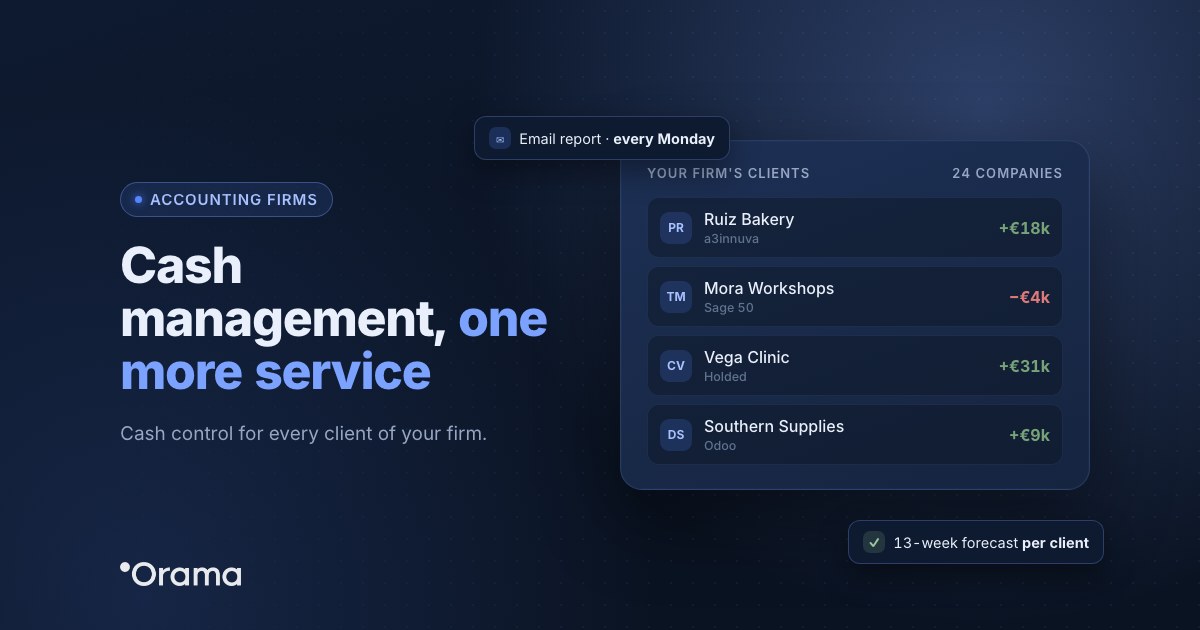
It’s a value-added service that builds client loyalty and makes the firm their go-to financial adviser. You’ll find more details in Orama for accounting firms (in Spanish), and Orama has a partner programme for accounting firms.
Requirements
- Sage Despachos installed on your computer or server.
- Install the Orama connector on that same computer or server, with help from the Orama support team.
- One company in Orama for each client company you want to connect.
How to connect Sage Despachos to Orama
- Contact Orama support. The team walks you through installing the connector, step by step.
- Install the connector on the computer or server where your Sage Despachos runs.
- Check the invoices. Once the connector starts sending data, you’ll see the invoices in Lists › Invoices for each client company and their forecasts in the cash flow table.
How the firm is organised and the connector installed, in Orama Academy (in Spanish): Connect Sage 200 and Sage Despachos to Orama (in Spanish).
Common issues with Sage Despachos and how to fix them
| What happens | How to fix it |
|---|---|
| A client’s invoices don’t appear | Each client company connects to its own Orama company: check you’re looking at the right one. |
| Nothing arrives from any client | Check the connector is on the same computer or server as Sage Despachos; if it is, contact support. |
| A client wants to see their cash | Give them a user with permissions on their company only, or schedule an email report. |
| A client’s older invoices are missing | The first load brings recent ones; history is imported from Excel into their company. |
Example: an accounting firm with 40 clients on Sage Despachos
Asesoría Ribera (anonymised name) is a firm in Logroño that handles the accounting, taxes and payroll of 40 SMEs on Sage Despachos. Every quarter, several clients asked whether they could pay their VAT without trouble, and the answer depended on requesting bank statements, waiting for them to arrive and building a spreadsheet for each client.
The firm starts with the 12 clients who ask the most. Each one has its own company in Orama and authorises its banks; the connector, installed on the Sage Despachos server, sends everyone’s invoices and remittances. The head of the accounting team opens a single dashboard with the cash of all 12 and shares each client’s cash position with its manager in View mode.
In early August, the dashboard shows that a winery client, with revenue of €2.2M, reaches the October VAT settlement with cash at −€30,000: the grape harvest pushes up purchases and its distributors pay at 90 days. With nine weeks’ notice, the firm walks the client through it with a scenario, the winery negotiates a seasonal credit facility with its bank and pays its VAT on time. For the firm, it’s advice it couldn’t give before.
More on ERPs and cash management: all Orama integrations, Is your ERP falling short on cash management?, the Orama Academy article Connect Sage 200 and Sage Despachos to Orama and Orama for accounting firms (both in Spanish).
If your firm works with Sage Despachos, see how your clients’ cash would look in one dashboard: book a 30-minute demo or discover the partner programme.
Start the free trial · Book the demo · See the partner programme
Frequently asked questions
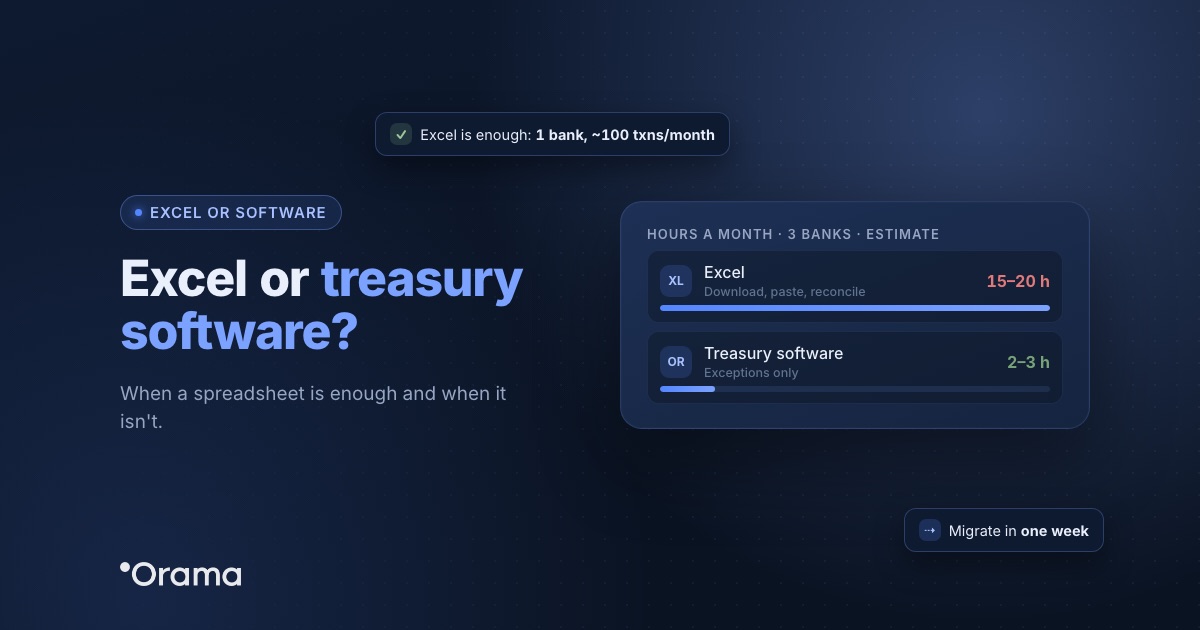
Keep reading: you may also want to see how an accounting firm can offer cash management to its clients, what treasury software for an SME should include and when a spreadsheet is enough and when you need treasury software.