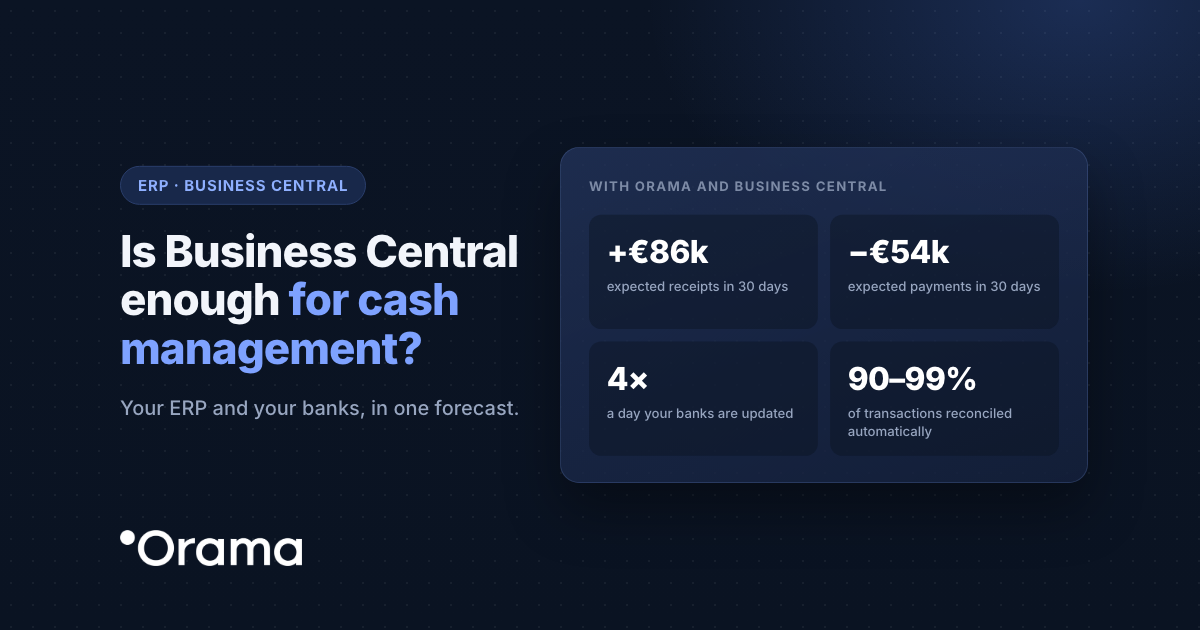

Business Central doesn’t fall short for running finance, sales and purchasing, but it isn’t built to show you, on a single screen, the cash across all your companies and all your banks over the coming weeks. That’s where Orama comes in: it reads your Business Central invoices and due dates, matches them against your banks and builds your cash flow forecast, without changing the way you work in your ERP.
If your company runs Microsoft Dynamics 365 Business Central but you still track cash in a spreadsheet, this article covers what Business Central does well, which part of cash management it leaves out, what data Orama syncs, what you need to connect it and how it all works for an example group.
What Business Central does well and what it doesn’t cover on cash
Microsoft Dynamics 365 Business Central covers finance, sales, purchasing, warehouse and projects for mid-sized companies and groups, integrated with Microsoft 365. It runs operations well; next months’ cash across every company and every bank isn’t its territory.
| Topic | What Business Central does well | What cash management also needs |
|---|---|---|
| Due dates | Stores every due date on sales and purchase invoices. | Each due date becomes a separate forecast on its date. |
| Banks | Reconciles statements for the accounts you set up. | All accounts from all companies together, with balances up to 4 times a day. |
| Financing | Books loans and credit lines. | Credit lines, loans, confirming and factoring inside the forecast, with their limits. |
| Group | Keeps each company in its own environment. | Consolidate the group’s cash and drill into each company in one click. |
| Access | Is consulted inside the ERP itself. | Management sees the group forecast with permissions per user and per company, or gets it by email. |
What Orama syncs from Business Central, and how often
- Sales and purchase invoices.
- Due dates, which become expected receipts and payments on the right date.
Your first invoices appear in Orama within a few minutes of connecting, and are then updated several times a day. Bank accounts connect via PSD2, read-only, and Orama matches each transaction to its Business Central due date: 90–99% reconcile automatically.
Requirements
- Business Central in the cloud, as part of Microsoft 365.
- For Enhanced mode (recommended): a Microsoft 365 admin account to authorise Orama. Orama installs and updates its connector for you.
- For Standard mode: your own Azure app, with its tenant, Client ID and secret. This is for IT teams who prefer to manage it themselves.
- The D365 BASIC and D365 READ permission sets in Business Central.
How to connect Business Central to Orama
- In Orama, click the settings cog › Integrations, open the Business Central card and choose Enhanced mode.
- Enter your Microsoft 365 domain and authorise Orama with an admin account.
- In Business Central, enable the Orama BC Connector app under Microsoft Entra Applications, with the D365 BASIC and D365 READ permission sets.
- Within a few minutes your invoices will appear under Lists › Invoices, with their forecasts in your cash flow dashboard.
Both connection modes and the permissions, with screenshots, in Orama Academy (in Spanish): Connect Business Central to Orama (in Spanish).
Common issues with Business Central and how to fix them
| What happens | How to fix it |
|---|---|
| I can’t authorise Orama | Authorisation must be done with a Microsoft 365 administrator account. |
| No invoices after authorising | Enable the Orama BC Connector app under Microsoft Entra Applications, with the D365 BASIC and D365 READ permissions. |
| Error in standard mode | Check the tenant, Client ID and secret of your Azure app. |
| I want to revoke access | Disable the app in Business Central; Orama stops reading straight away. |
Example: a logistics group with three companies
Grupo Levante Logística (anonymised name) is a group in Castellón with an annual turnover of €15M across three companies: haulage, warehousing and a property company that owns the warehouses. Each one runs as its own company in Business Central, and between them they work with six banks, two credit facilities and a fleet loan. To find out the group’s cash position, the finance director spent every Monday adding up the balances of all six banks and the due dates exported from each company in a spreadsheet.
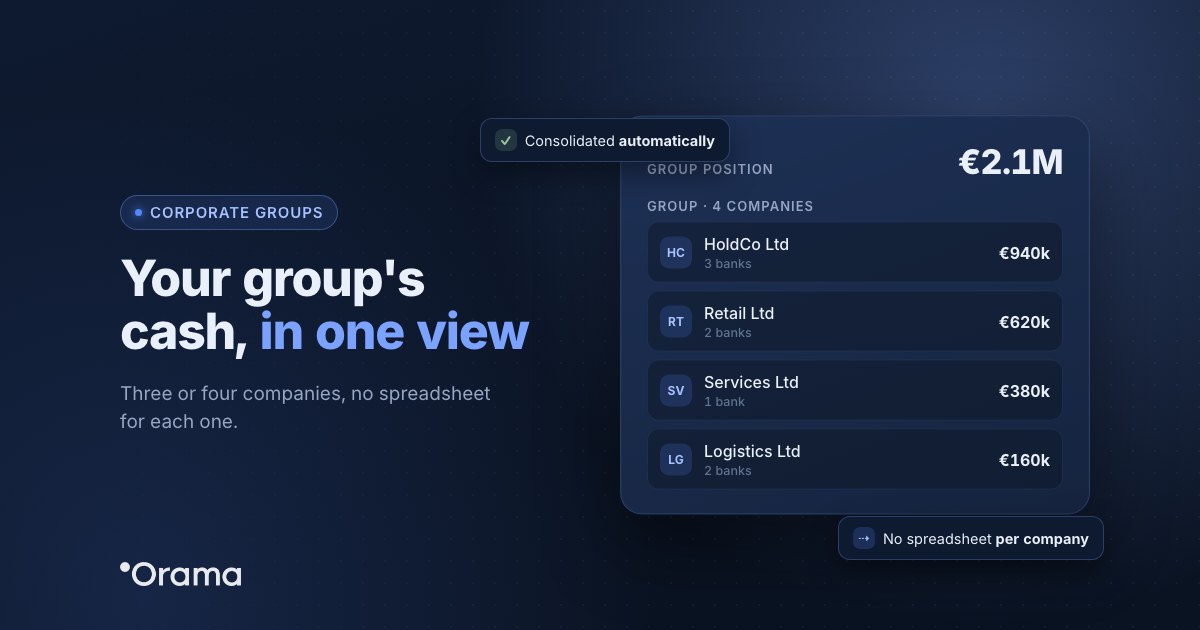
With Orama, Business Central is connected in Enhanced mode, each company is mapped to its own company in Orama and all six banks are authorised. The finance director now sees consolidated group cash and, with one click, each company’s position.
In October, the forecast shows the haulage company dropping to −€60,000 in the second week of December, when the Christmas extra month’s salary that Spanish employers pay, fuel costs and the fleet loan instalment all land together, while the warehousing company has €400,000 sitting idle. With eight weeks’ notice, the finance director plans an intra-group loan instead of drawing on a credit facility, and has time to weigh up whether to renew the second one.
More on ERPs and cash management: Is your ERP falling short on cash management? and the Orama Academy article Connect Business Central to Orama (in Spanish).
If your group runs on Business Central, try consolidated cash free for 7 days with your real data and no card, or book a 30-minute demo.
Start the free trial · Book the demo
Frequently asked questions
Keep reading: you may also want to see what treasury software for an SME should include, when a spreadsheet is enough and when you need treasury software and how to see the cash of a group with several companies.